Redact the Email File, Not a Screenshot: MSG, EML and Why PDF Boxes Fail
Most "email redaction tools" are either a marker on a printout or a black rectangle on a PDF. Both look finished and both leak. This page is the format decision: keep .msg/.eml (and PST) as email, remove the identifiers, and only then make a PDF if you need one.
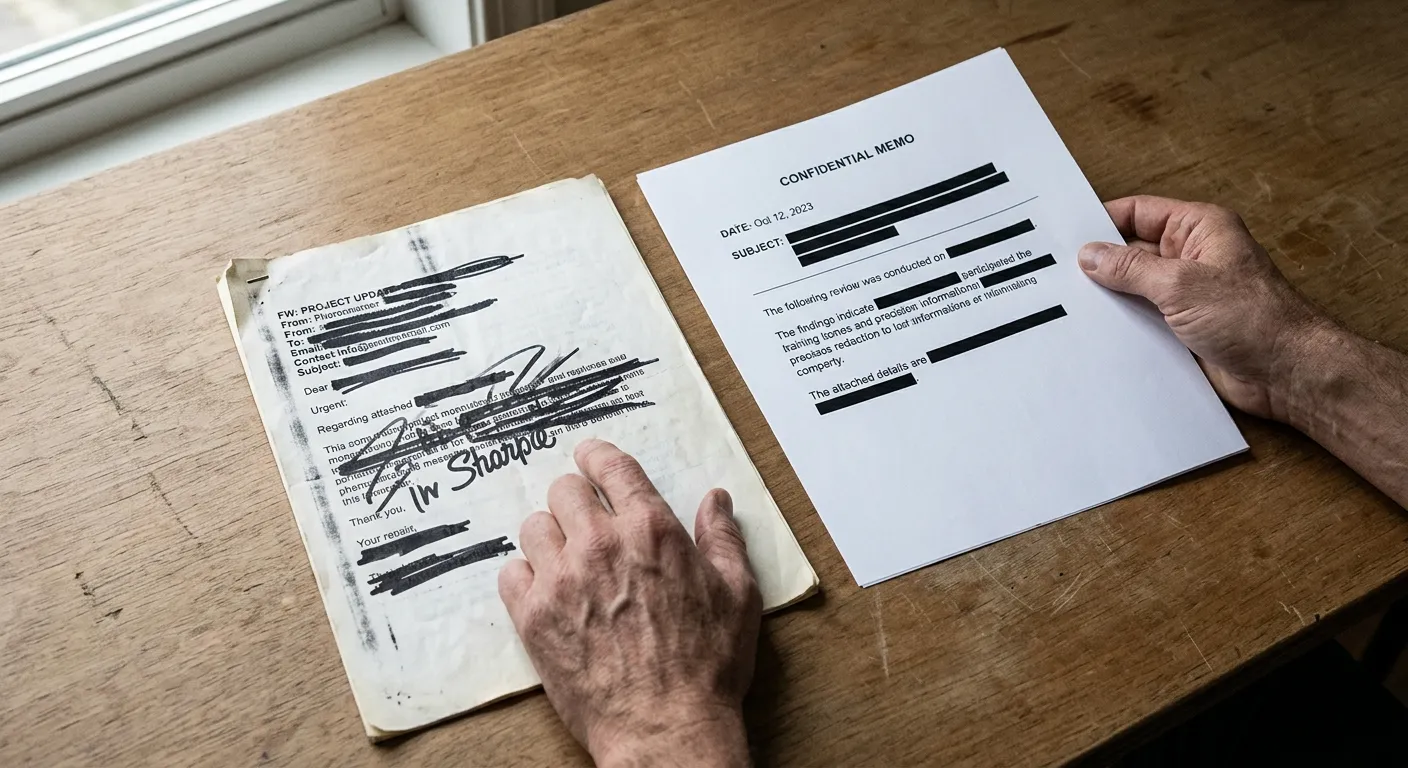
The tool question is usually a format question
Searches for "email redaction tools" or "is there a way to redact a .msg file" are asking the same practical thing: I have a real email, I need some of it gone, and I still want it to be an email — or at least a file that does not quietly contain the text I thought I covered.
Three common approaches fail that test.
Print and marker. Fast, familiar, and you no longer have an email. You have a picture of one. Contrast, show-through and a later OCR pass can bring text back, and attachments are gone.
Save as PDF, draw boxes. Better only if the redaction is burned in (text deleted from the file). A black rectangle sitting on live text is not redaction. Adobe documents this distinction clearly for PDF; it applies even more to mail, because people then email the PDF onward.
Edit the body in Outlook and resend. That is a new message. It does not redact the copy already sitting in the thread, and it is a poor chain of custody if anyone later asks what the original said.
The approach that matches the search intent — "keep it in email form" — is to work on the .eml, .msg or .pst itself, remove the selected strings from that copy, and export. PDF can be an output of that pass, not the place where redaction is improvised.
A concrete example
A saved .eml or .msg that has to stay a message
Use this when the recipient still needs to open the result as mail, or when you may need PDF *and* email copies of the same redaction.
The situation
You have a handful of saved messages (.eml from webmail, .msg from Outlook). You must remove a person's name and a couple of account numbers, keep the rest of the correspondence readable, and preferably not flatten everything into scans.
Source and destination you choose
Where it comes from
.eml, .msg or a small .pst
Native message files, not screenshots
Why this one: Those formats still contain body, headers and attachments as structured parts. A JPEG of an inbox does not.
Also works with
- PDF only if that is genuinely all you have — expect a weaker result
- Pasted text for a short extract, knowing headers will be missing
Where the result goes
Redacted email files, with PDF as an optional extra
The same messages with chosen identifiers removed
Why this one: One review pass, then whatever export the recipient can actually use.
Or choose
- On-screen preview to confirm a name is really gone
- CSV of detected phrases as a checklist
A pass that is actually redaction
-
1
Work on a copy
Never redact the only original. Keep the source files for your own records.
-
2
Upload the native files to Email Redact
https://emailtools.hexamail.com/redact accepts .eml, .msg, PST and related inputs. It proposes names, addresses, phone numbers and similar identifiers.
-
3
Edit the list so only what should disappear, disappears
Selective redaction is the usual requirement — "only what I want redacted," not a blank page. Add missed phrases; drop false positives.
-
4
Search the output for a name you intended to remove
If Find still hits it, you have a cover-up, not a redaction. Fix that before the file leaves.
No browser tool can change the copy already delivered to someone else. This is for copies you still control: disclosure packs, onward shares, archives, SAR responses.
How to judge any "professional" redaction product
Ignore the marketing word. Ask four questions.
- Does it operate on .eml/.msg/.pst, or only on PDF?
- After export, does a text search still find the secret?
- Can you choose phrases, or is it all-or-nothing?
- Do attachments stay with the message, and are they included in the same review?
Email Redact is built around those four. Desktop products (including Hexamail Flow, if that is what you already run) should be judged the same way: open the result in a normal client and search. If you only need a one-off pack and you do not want to install anything, the browser pass is the shorter path.
Format questions that actually matter
What is the easiest way to redact a .msg file?
Keep it as .msg, run a redaction pass that writes a new file, then search the new file. Converting to PDF first only helps if you need a PDF at the end and you still burn the text out.
Best way to redact .eml mail?
Same process. .eml is just the MIME message. Do not paste it into Word and black out there unless you enjoy fighting fonts and leftover text.
Can I produce PDF copies as well as email files?
Yes — from the redacted result, so both packs match. Do not redact the PDF and the .msg as two separate exercises.
Related guides
Getting the .msg out of Outlook first
Save As, then redact. Outlook has no redact command of its own.
The same job on a PST archive
When the native file is a whole mailbox, not one message.
Redaction inside a Subject Access Request
Format is half the work; the ICO's third-party test is the other half.
If Find can still see the name, it was never redacted.