Turning a Messy Reply-All Thread Into an HR Investigation Timeline
A harassment or grievance complaint usually arrives as one sprawling reply-all thread, forwarded copies and a few stray CCs. Email Trail deduplicates that mess into a single dated timeline before you brief an investigator or prepare for a tribunal.
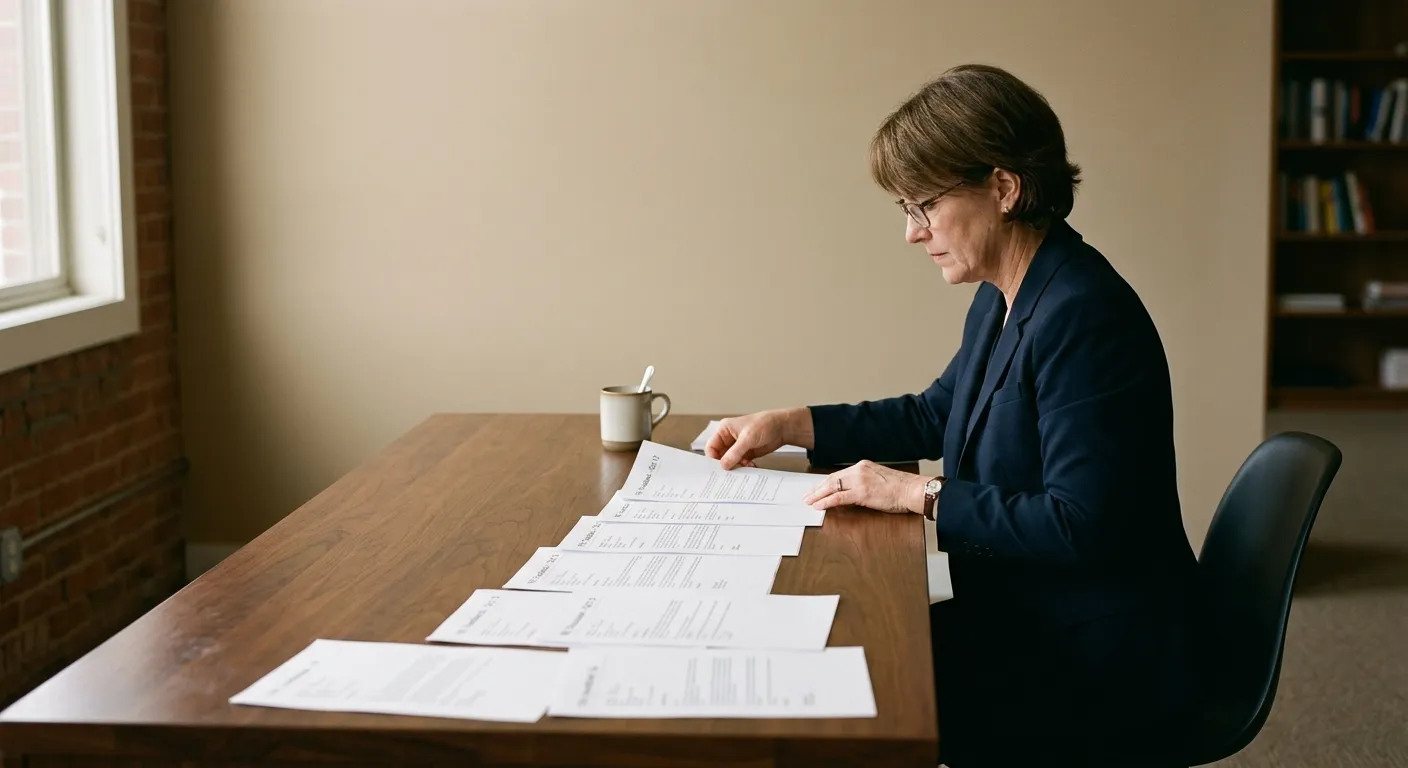
The thread is the case, but nobody can read it in order
A grievance rarely starts as one clean complaint. It starts as a reply-all thread that grows for weeks: the original email, a reply from a manager, a forward to HR with a new subject line, a separate CC'd copy from someone's personal inbox, and a follow-up that quotes the original three levels deep. By the time an investigation opens, the same message might exist in four inboxes with four different subject lines and no reliable order.
Guidance for UK employment tribunal preparation is consistent on this point: build a chronological record and work from dates, not memory. A 2025 practice note on digital evidence in workplace harassment investigations makes the same case from the employer side — because harassment is usually a pattern rather than one incident, timestamps and metadata matter more than any single message, and the cumulative sequence is what an investigator or tribunal actually needs to see.
Email Trail does the mechanical part of that: it reads the messages you give it — forwarded copies, .eml or .msg exports, or a pasted thread — works out which ones are the same message duplicated across inboxes, and puts what's left in date order with a plain-English summary of each entry.
A concrete example
What an HR case manager would feed it
Use this once a complaint has generated more emails than anyone can hold in their head.
The situation
A grievance about a manager's conduct has been running for six weeks. The complainant, the manager, and two colleagues have all been CC'd or forwarded copies at different points. HR needs one dated record before the investigation meeting, showing who said what and when — without three versions of the same email counted three times.
Source and destination you choose
Where it comes from
Forwarded emails / .eml, .msg or .pst export
Every copy you can lay hands on — including duplicates and forwards
Why this one: Trail is built to spot the same message hiding under different subject lines, so you don't need to pre-sort anything.
Also works with
- Pasted plain-text thread
- PST export from the complainant's or manager's mailbox
Where the result goes
PDF or CSV timeline
One row per message, oldest to newest, with sender, date and a short summary
Why this one: An investigator or a tribunal bundle needs a sequence, not an inbox.
Or choose
- Plain text export
- On-screen table you can scroll before downloading
What actually happens to the thread
-
1
Every message is separated out
Quoted replies, forwarded copies and the original are treated as individual candidate entries, not one wall of text.
-
2
Duplicates are merged
The same message appearing under a different subject line, or CC'd to a second person, is collapsed to a single entry rather than counted twice.
-
3
Each entry gets a short summary
Sender, recipients, date and a plain-English summary of what was said, so you don't have to reopen every message to remember its content.
-
4
The set is ordered and exported
Oldest to newest, ready to read top to bottom or hand to someone who has never seen the thread before.
What you get back
A six-week, four-inbox thread that started as 40-odd emails typically collapses to the dozen or so genuinely distinct messages — the original complaint, the manager's response, HR's acknowledgement, the follow-ups — in the order they actually happened.
Email Trail organises what you already have; it does not decide what is relevant to the case or offer legal advice. For a tribunal, HR still needs to preserve the original files (not just the timeline) — UK tribunal disclosure rules expect the underlying electronically stored information to be available, not only a summarised version of it.
Getting this in front of an investigator quickly
The value here isn't automation for its own sake. It's the difference between an investigator spending the first hour of a meeting reconstructing "who sent what, when" from memory, and starting straight from a dated record everyone can follow.
That matters because employment tribunal guidance repeatedly flags the same failure mode: evidence submitted late, out of order, or duplicated confuses a case rather than strengthening it. Citizens Advice's own guidance on preparing a tribunal claim tells claimants to note how they disagree with the other side's account and work out what evidence — emails, letters, texts — actually supports that disagreement. You can't do that well from a jumbled inbox.
Questions HR teams actually ask
Will this tell me who is in the right?
No. It orders and summarises what was said and when. Assessing conduct, credibility and outcome is still the investigator's or panel's job.
Can I use this if the emails come from several different people's inboxes?
Yes — that's the main use case. Upload or forward copies from each mailbox and Trail will merge messages that appear more than once rather than double-counting them.
Does it work if some emails only exist as printed copies?
If they've been re-typed or pasted as plain text, yes, though you lose the original headers. Where the original digital file still exists, use that instead — it preserves more of the metadata an investigation may need later.
Related guides
Outlook conversation to a dated timeline
The same chronology job when it is not an HR case, just a messy thread.
Turning co-parenting emails into a court-ready pattern
Same deduplication problem, a family court setting.
Redacting third-party data from a Subject Access Request
What to do when the same emails trigger a GDPR SAR.
Turn a tangled grievance thread into a timeline in minutes